

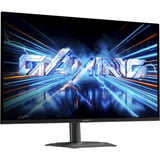

27-Zoll-Monitore


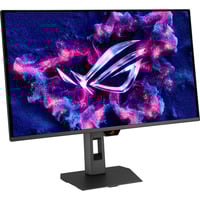

- Sichtbares Bild: 67,7 cm (26,5 Zoll)
- Auflösung: 3840 x 2160 Pixel
- Reaktionszeit: 0.03 ms (GtG)
- Format: 16:9
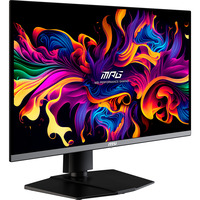

- Sichtbares Bild: 67,3 cm (26,5 Zoll)
- Auflösung: 2560 x 1440 Pixel
- Reaktionszeit: 0.03 ms (GtG)
- Format: 16:9
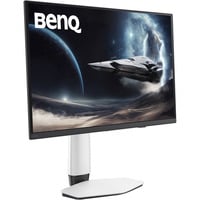
- Sichtbares Bild: 67,3 cm (26,5 Zoll)
- Auflösung: 3840 x 2160 Pixel
- Reaktionszeit: 0.03 ms (GtG)
- Format: 16:9
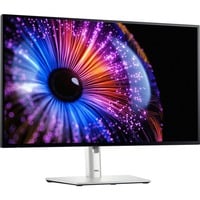
- Sichtbares Bild: 68,5 cm (27 Zoll)
- Auflösung: 2560 x 1440 Pixel
- Format: 16:9
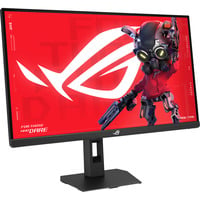
- Sichtbares Bild: 68,6 cm (27 Zoll)
- Auflösung: 3840 x 2160 Pixel
- Reaktionszeit: 1 ms (GtG)
- Format: 16:9
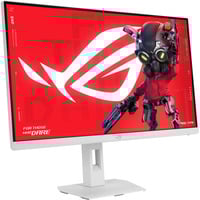
- Sichtbares Bild: 68,6 cm (27 Zoll)
- Auflösung: 2560 x 1440 Pixel
- Reaktionszeit: 1 ms (GtG)
- Format: 16:9
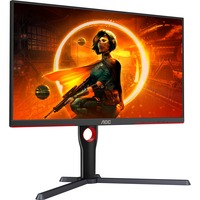

- Sichtbares Bild: 69 cm (27 Zoll)
- Auflösung: 2560 x 1440 Pixel
- Reaktionszeit: 1 ms (GtG)
- Format: 16:9
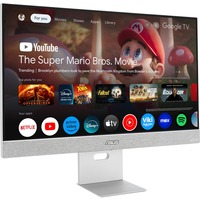
- Sichtbares Bild: 68,6 cm (27 Zoll)
- Auflösung: 3840 x 2160 Pixel
- Reaktionszeit: 5 ms (GtG)
- Format: 16:9
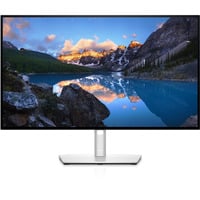
- Sichtbares Bild: 69 cm (27 Zoll)
- Auflösung: 2560 x 1440 Pixel
- Format: 16:9
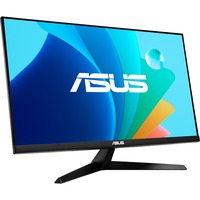
- Sichtbares Bild: 68,6 cm (27 Zoll)
- Auflösung: 1920 x 1080 Pixel
- Reaktionszeit: 1 ms (MPRT)
- Format: 16:9
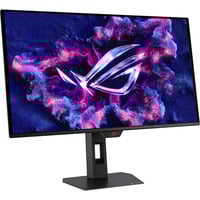
- Sichtbares Bild: 67,3 cm (26,5 Zoll)
- Auflösung: 2560 x 1440 Pixel
- Reaktionszeit: 0.03 ms (GtG)
- Format: 16:9

- Sichtbares Bild: 68,6 cm (27 Zoll)
- Auflösung: 2560 x 1440 Pixel
- Reaktionszeit: 1 ms (GtG)
- Format: 16:9
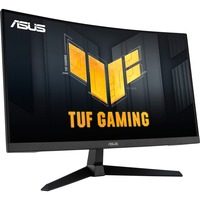
- Sichtbares Bild: 68,6 cm (27 Zoll)
- Auflösung: 2560 x 1440 Pixel
- Reaktionszeit: 1 ms (GtG)
- Format: 16:9
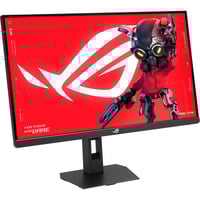
- Sichtbares Bild: 68,6 cm (27 Zoll)
- Auflösung: 2560 x 1440 Pixel
- Reaktionszeit: 1 ms (GtG)
- Format: 16:9
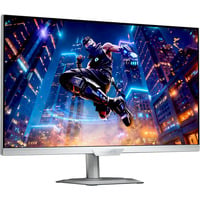
- Sichtbares Bild: 68,6 cm (27 Zoll)
- Auflösung: 2560 x 1440 Pixel
- Reaktionszeit: 1 ms (GtG)
- Format: 16:9
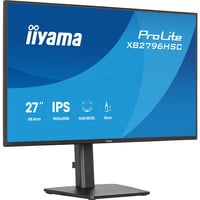
- Sichtbares Bild: 68,6 cm (27 Zoll)
- Auflösung: 1920 x 1080 Pixel
- Reaktionszeit: 3 ms (GtG)
- Format: 16:9
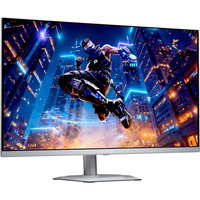
- Sichtbares Bild: 68,6 cm (27 Zoll)
- Auflösung: 2560 x 1440 Pixel
- Reaktionszeit: 0.03 ms (GtG)
- Format: 16:9
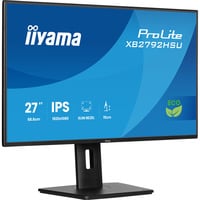
- Sichtbares Bild: 68,6 cm (27 Zoll)
- Auflösung: 1920 x 1080 Pixel
- Reaktionszeit: 3 ms (GtG)
- Format: 16:9
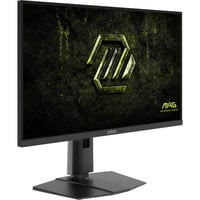
- Sichtbares Bild: 68,6 cm (27 Zoll)
- Auflösung: 2560 x 1440 Pixel
- Reaktionszeit: 0.5 ms (GtG)
- Format: 16:9
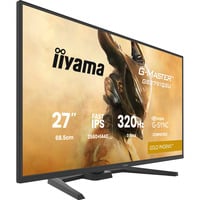
- Sichtbares Bild: 68,5 cm (27 Zoll)
- Auflösung: 2560 x 1440 Pixel
- Reaktionszeit: 0.6 ms (MPRT)
- Format: 16:9
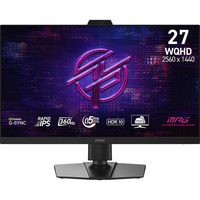
- Sichtbares Bild: 68,6 cm (27 Zoll)
- Auflösung: 2560 x 1440 Pixel
- Reaktionszeit: 0.5 ms (GtG)
- Format: 16:9
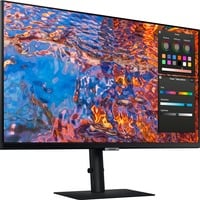
- Sichtbares Bild: 68 cm (27 Zoll)
- Auflösung: 3840 x 2160 Pixel
- Reaktionszeit: 5 ms (GtG)
- Format: 16:9
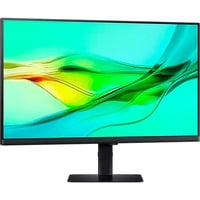
- Sichtbares Bild: 68 cm (27 Zoll)
- Auflösung: 2560 x 1440 Pixel
- Reaktionszeit: 5 ms (GtG)
- Format: 16:9
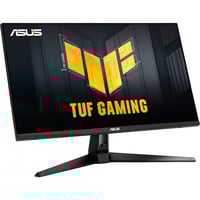
- Sichtbares Bild: 68,6 cm (27 Zoll)
- Auflösung: 2560 x 1440 Pixel
- Reaktionszeit: 0.3 ms (GtG)
- Format: 16:9
27 Zoll Monitore: Perfekt für Office, Gaming und Kreative
Ein Format, viele Nutzer: 27 Zoll Bildschirme bieten viele praktische Eigenschaften und begeistern nicht nur professionelle Anwender, sondern auch ambitionierte Gamer. Mit hohen Bildfrequenzen, hoher Farbtreue und hochauflösenden Displays erleichtern die Monitore die Arbeit am PC und gestalten Spiele noch immersiver als je zuvor. Worauf es beim Kauf des 27 Zoll Monitors ankommt und wieso gerade 27 Zoll besonders praktisch sind, haben wir hier für Sie zusammengefasst.
Monitor-Upgrade: Wo liegen die Vorteile im Vergleich zum 24 Zoll Monitor?
Für viele gilt der 27 Zoll Monitor als die goldene Mitte in Sachen Bildschirmdiagonale. Dank der größeren Bildfläche fällt das parallele Arbeiten in verschiedenen Programmen deutlich leichter als auf einem 24 Zoll Monitor. Dabei nimmt der 27 Zoll große Bildschirm nicht viel mehr Platz auf dem Schreibtisch weg und ist auch preistechnisch circa im selben Bereich. So erhält man schon für rund 150 Euro qualitativ hochwertige 27“ Displays von AOC, Philips und anderen namhaften Marken.
Welche Auflösung sollte man bei einem 27 Zoll Monitor wählen? Und was gibt es zusätzlich zu beachten?
Nach wie vor wird heiß diskutiert, was die perfekte Auflösung für den 27“ Monitor ist. Für jeden, der einen preiswerten Bildschirm für das Home-Office oder leichtes Gaming sucht, ist mit einem 27 Zoll großen Full-HD Monitor bestens beraten. Diese bieten eine Auflösung von 1.920 x 1.080 Pixel und lassen bei klassischen Office-Anwendungen und Spielen keine Wünsche offen. Für einige Kreative und Gamer gilt ein 27 Zoll WQHD-Monitor als Sweet Spot: Dieser bietet eine Auflösung von 2.560 x 1.440 px und stellt somit ganze 3,6 Millionen Pixel dar. Der 1440p-Monitor gilt somit für viele als idealer Kompromiss aus Grafik-Performance und Geschwindigkeit. Nur 4K-Monitore sind mit einer Auflösung von 3.840 x 2.160 px noch hochauflösender. In Sachen Reaktionszeit gilt bei den 27 Zoll Monitoren: Je niedriger die Auflösung, desto schneller ist der Monitor. Zusätzlich erreichen Full-HD- und WQHD-Monitore mit bis zu 280 Hz höhere Bildwiederfrequenzen als vergleichbare UHD-Monitore.
27 Zoll Monitor: Das sollte er können
Um den Monitor bequem mit dem PC verbinden zu können, ist es wichtig, dass dieser über alle gängigen Anschlüsse verfügt - unumgänglich sind hierbei besonders HDMI und DisplayPort. Viele Bildschirme verfügen sogar teilweise noch über DVI-Anschlüsse, obwohl diese Technik inzwischen als überholt gilt. Ebenso wichtig ist die Panel-Technologie, bei der sich gerade IPS in den letzten Jahren als gute Wahl herauskristallisiert hat, da diese IPS eine ausgewogene Mischung aus Bildqualität, Farbe und Reaktionszeit bietet. Aber auch andere Panels, wie beispielsweise VA oder TN, bieten einige Vorteile, die man nicht außer Acht lassen sollte. Gerade TN-Displays eignen sich aufgrund Ihrer pfeilschnellen Reaktionszeit besonders gut fürs Gaming. Wer Tearing den Kampf ansagen will, sollte im Idealfall auf einer Bildwiederholungsrate von mehr als 60 Hz setzen, ebenfalls empfehlenswert sind 27 Zoll Monitore mit AMD FreeSync oder NVIDIA G-Sync.